



Vorschau Early Access
- Steam
- Weltweit
- 26 Apr 2023
GameGuru MAX
Steam
Weltweit
Digitaler Key
9,49 €
−15 %
≈ 10,41 $
 0,000174 BTC
 10,42 USDT
0,000174 BTC
10,42 USDT
PC-Key
- Key wird auf deiner Bestellseite angezeigt, sobald die Zahlung bestätigt ist
- Bezahle mit Bitcoin, USDT, USDC, Ethereum und mehr
- Ersetzt oder erstattet, falls er nicht funktioniert
Über das Spiel
GameGuruMAX: Empowering Game Creation
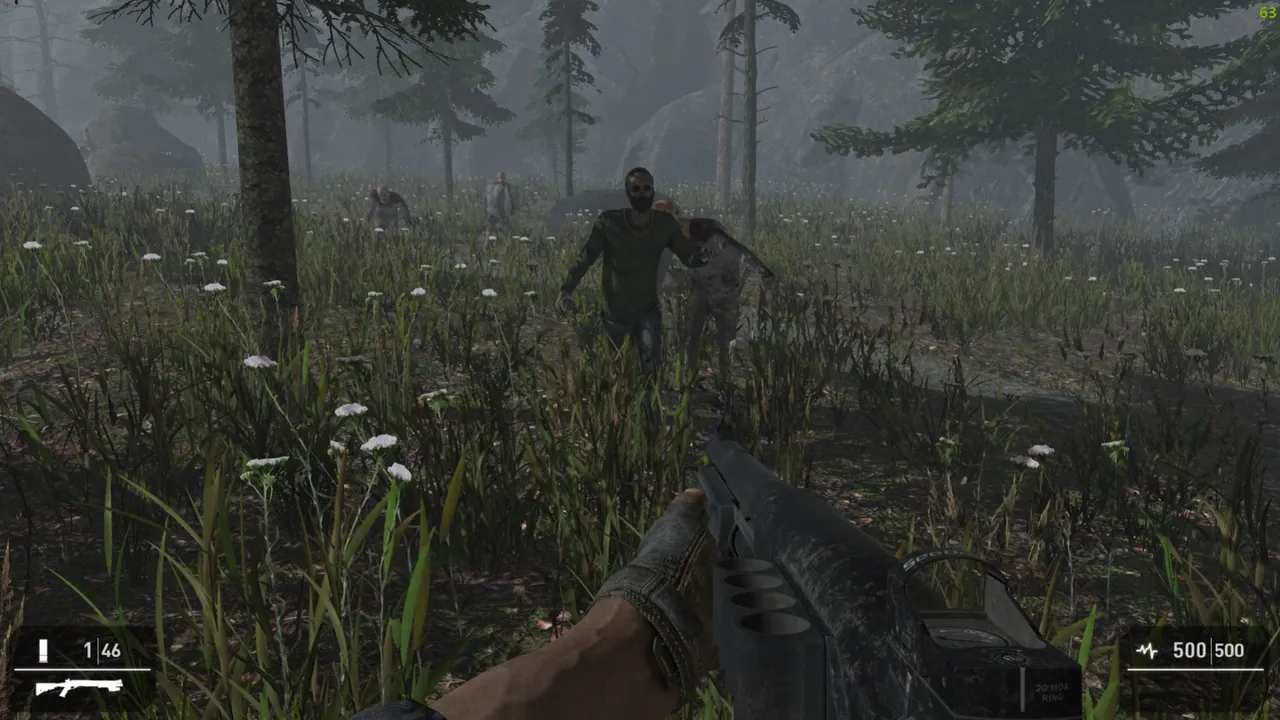
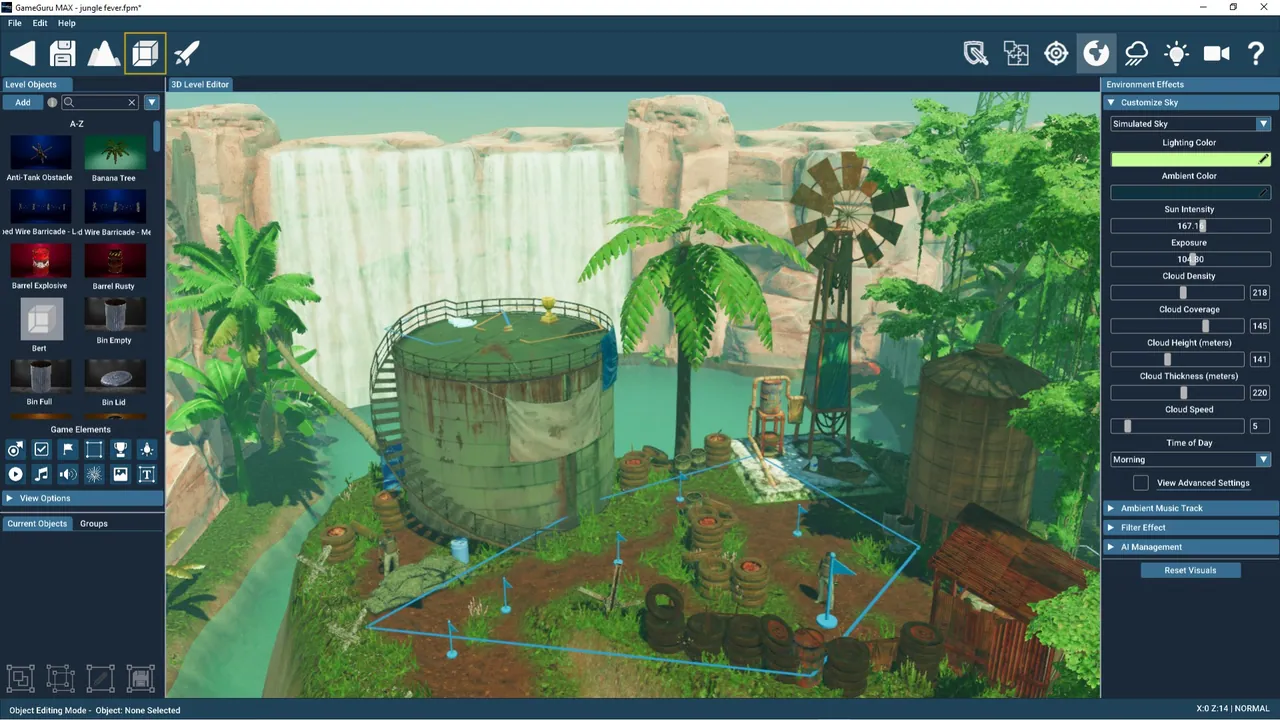
GameGuruMAX is an intuitive 3D game development platform designed to accelerate the creation of immersive games—no programming experience required. Whether you're a newcomer to game development or a seasoned creator, GameGuruMAX offers a streamlined workflow and powerful toolset, including model importing and full LUA scripting for advanced customization.
Key Features
Streamlined Interface
Work efficiently within a clean, responsive interface designed to support rapid development. Built-in tutorials and time-saving shortcuts help you stay productive from day one.
Advanced Level Editor
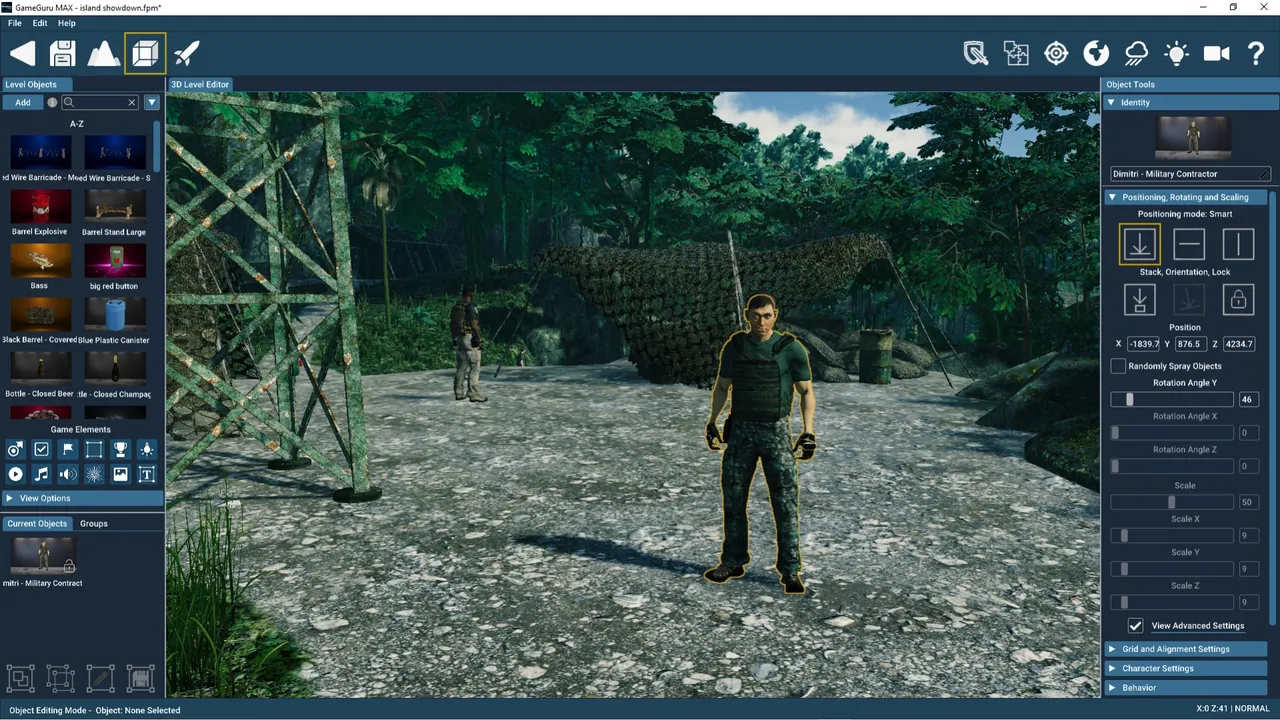
Construct expansive game worlds with a robust 3D editor featuring terrain sculpting, dynamic object and character placement, weather systems, particle effects, and more.
Tree and Vegetation Rendering
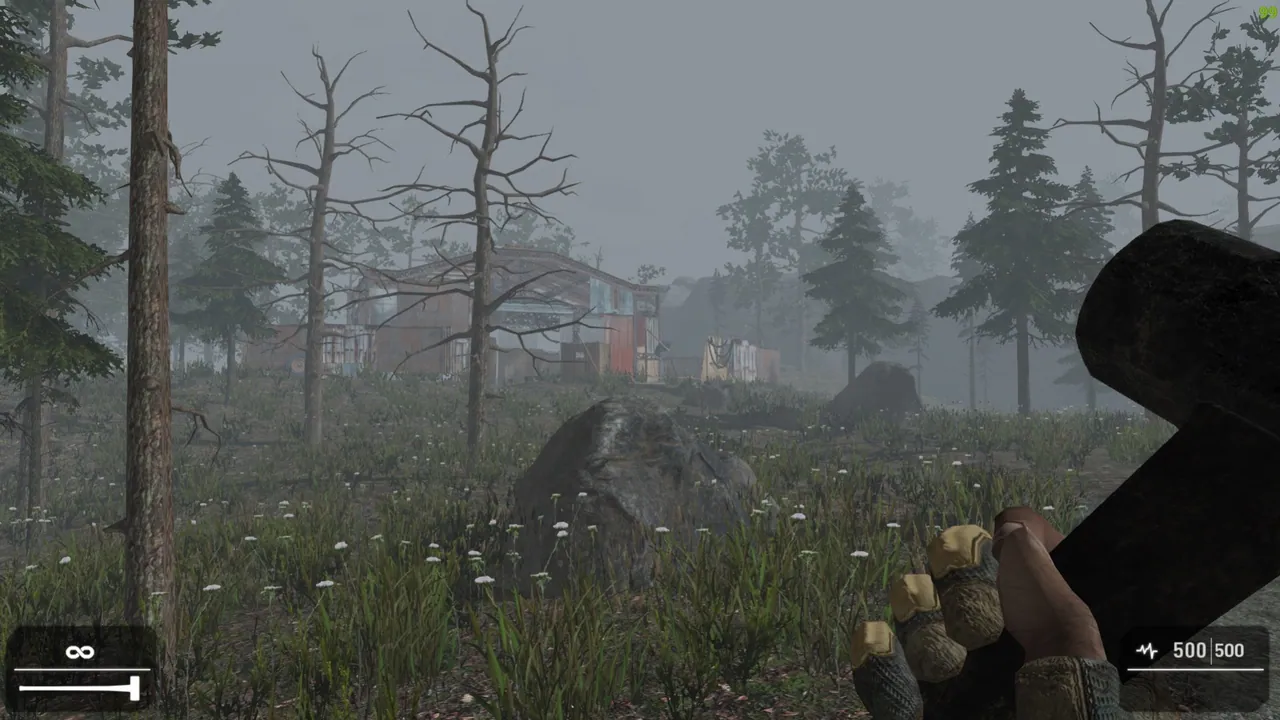
Populate your game world with lush vegetation using tools that allow for both automatic and manual placement of trees and grasses, enhancing environmental realism.
Extensive Asset Library
Accelerate your workflow with over 1,400 ready-to-use assets, including characters, buildings, props, and foliage.
Character Creator & AI Behaviours
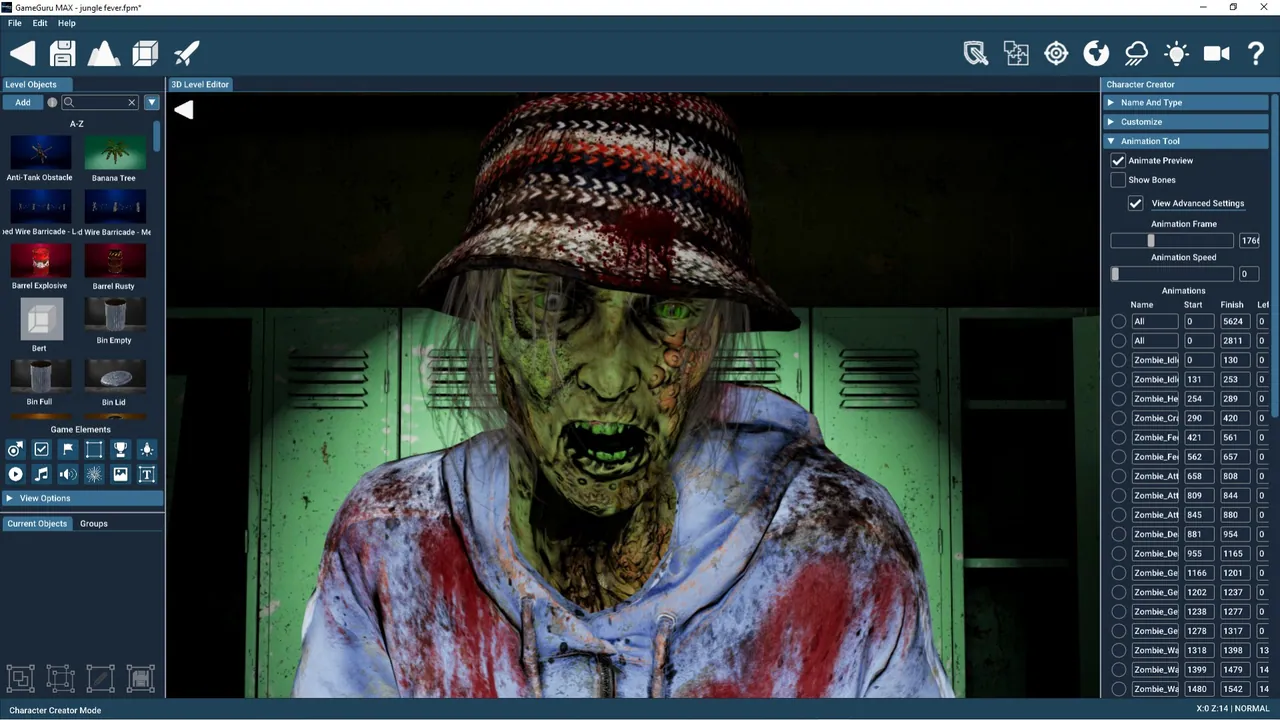
Design custom characters and assign predefined AI behaviours to populate your world with interactive, reactive NPCs.
Visual Logic System
Create core game mechanics using a visual scripting interface, ideal for building gameplay systems without writing code.
Full LUA Scripting Support
GameGuruMAX includes hundreds of customizable behaviours and supports LUA scripting for users who want to expand functionality and tailor game systems to their exact vision.
Storyboard Editor
Manage your game’s flow and structure visually with the Storyboard Editor, great for handling level progression, cut scenes, and branching storylines.
Modern Graphics Features
Deliver high-fidelity visuals with real-time lighting, PBR (Physically Based Rendering), ambient occlusion, and a suite of post-processing effects.
Physics Integration
Utilize the built-in Bullet Physics Engine to incorporate realistic collisions, gravity, and movement, thereby enhancing immersion and gameplay dynamics.
Export & Distribution
Compile your project into a standalone executable ready for sharing or commercial release, no extra licensing fees required.
Modular HUD System
Design custom heads-up displays (HUDs) using a variety of templates and assets, allowing for personalized game interfaces that suit your project's aesthetic.
Let Your Game Making Journey Begin
GameGuruMAX is designed to support the rapid development of a wide range of genres, from first-person shooters, and RPGs to puzzle games and narrative adventures. Included demo levels and templates help you learn the workflow and kickstart your projects with confidence.
Technische Daten
- TheGameCreators
- TheGameCreators
- 26 April 2023
- Early Access
- Steam
- Steam
- Weltweit
Systemanforderungen
| Minimum | Empfohlen | |
|---|---|---|
| Betriebssystem | Windows 10 or newer (64-bit versions only) | Windows 10 or newer (64-bit versions only) |
| Prozessor | Intel Core i5-7400 | AMD Opteron 4274 HE, or better. | Intel i7-9700K | AMD 3700X, or better. |
| Arbeitsspeicher | 16 GB RAM | 32 GB RAM |
| Grafik | NVIDIA GeForce GTX 970 | AMD Radeon R9 Fury, with 4 GB VRAM, or better | NVIDIA GeForce RTX 2070 | Radeon 5700 XT, with 8 GB VRAM, or better |
| DirectX | Version 11 | Version 11 |
| Netzwerk | Broadband Internet connection | Broadband Internet connection |
| Speicherplatz | 30 GB available space | 30 GB available space |
| Soundkarte | DirectX Compatible Sound Card with latest drivers | DirectX Compatible Sound Card with latest drivers |
| Zusätzliche Anmerkungen | Windows-compatible keyboard and mouse | Windows-compatible keyboard and mouse |
Aktivierung
Auf Steam aktivieren
- 1Installiere Steam und melde dich an
- 2Menü „Spiele“ › Ein Produkt bei Steam aktivieren
- 3Füge den Key ein, der auf deiner Bestellseite angezeigt wird
- 4Das Spiel erscheint in deiner Bibliothek: Lade es herunter
In allen Ländern nutzbar.
Nutze bei der Aktivierung kein VPN.
Ausführliche Anleitung
Steam-Bewertungen
Gemischt
Crypto2Key-Kundenbewertungen
Ähnliche Produkte
Alle ansehen →


9,49 €
0,000174 BTC