



Aperçu Accès anticipé


- Steam
- Monde entier
- non disponible
- 21 févr. 2024
Feed the Cups
Steam
Monde entier
Clé numérique
5,59 €
−16 %
≈ 6,11 $
 0,000103 BTC
 6,11 USDT
0,000103 BTC
6,11 USDT
Clé PC
- Clé affichée sur la page de votre commande et envoyée par e-mail dès la confirmation du paiement
- Paiement en BTC, USDT, USDC, ETH, SOL et d’autres cryptos
- Remplacée ou remboursée si elle ne fonctionne pas
À propos du jeu
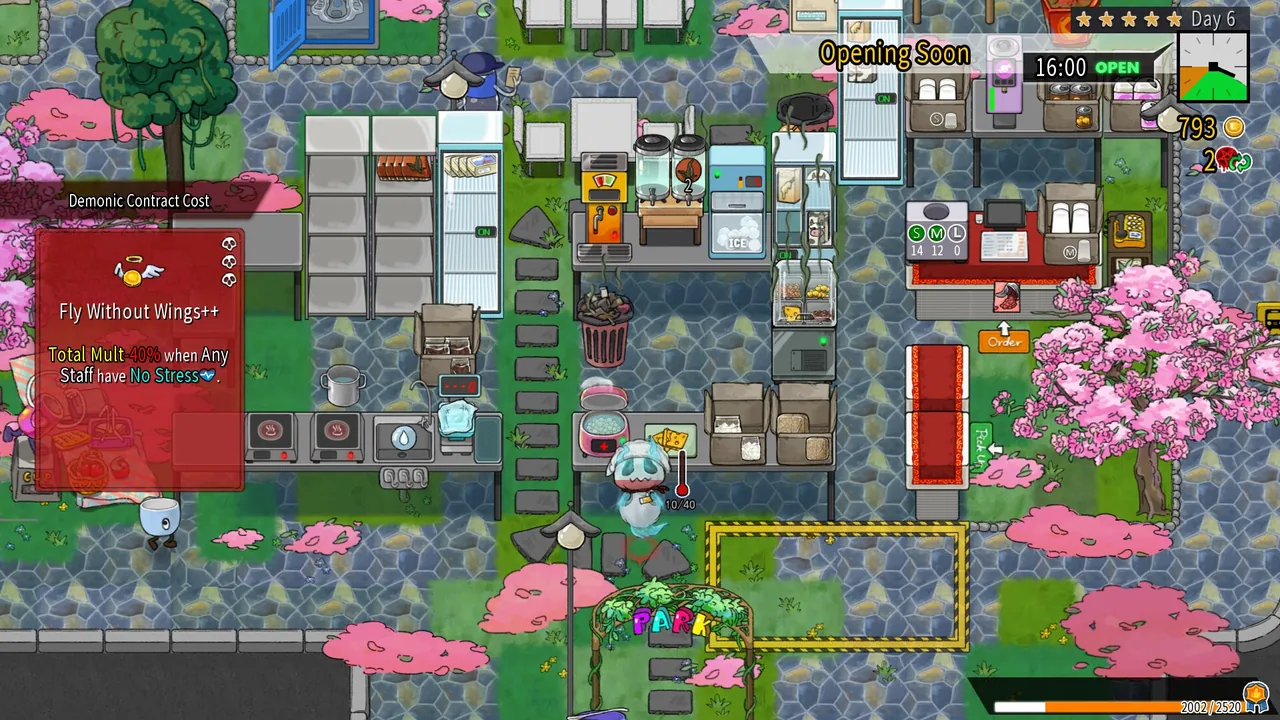
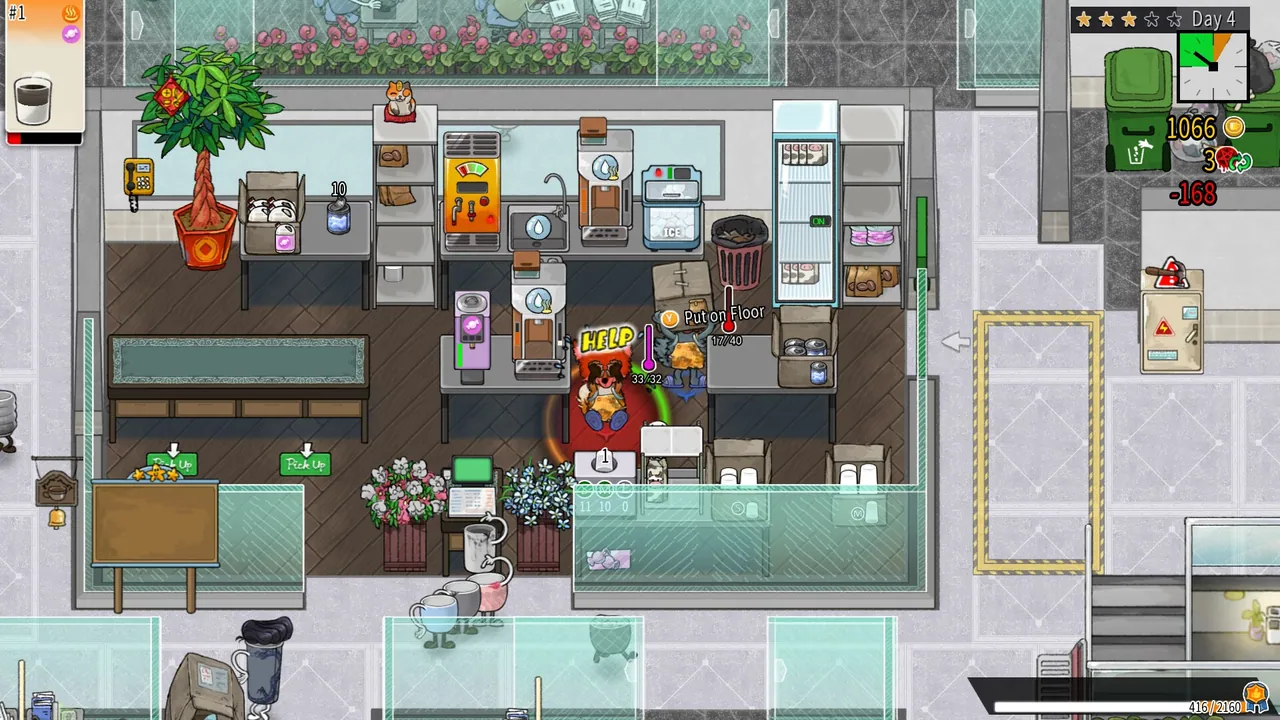
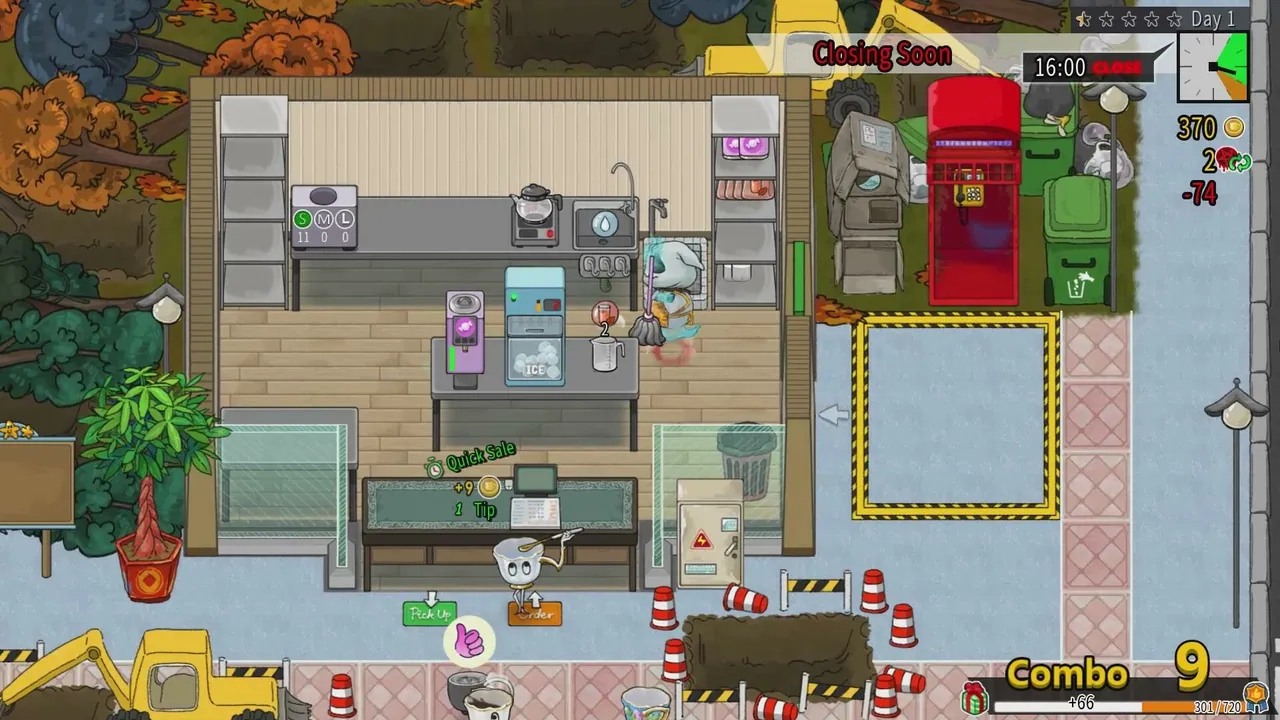
"Feed the Cups" is a Roguelite multiplayer online cooperative game. Run a Drink Shop, stocking up, preparing ingredients, taking orders, crafting drinks, cleaning up, and checking equipment. Join your friends together! Be careful, as too many mistakes can cause the "pressure" to skyrocket!
You can immerse yourself in the real-life experience of managing a Drink Shop. Work in different shops, fulfill customer needs, handle inventory and supply management, avoid debt, and control "stress" levels. The game currently supports local 2-player or remote multiplayer mode, as well as a 2-4 player online cooperative mode with friends!
Have you ever thought of running a drinks shop? Iced lemonade, sweet milk tea, mellow coffee, all made by yourself!
Have your hands full alone? Make drinks with your friends! Is someone slacking off?
Random challenge choices will bring different buffs to your day. Of course, all power comes at a cost!
You can buy furniture and upgrade your house with the cash you earn in the game. The owner won't let you work for nothing at this fun-filled drink shop!
SoloCoopération en ligneCoop locale et écran partagéEcran partagéSuccès SteamSteam CloudRemote Play TogetherPartage familialPrise en charge des manettes XBOX
Fiche technique
- Vambear Games
- IndieArk
- 21 février 2024
- Indies, Simulation, Early Access
- 3 langues
- Steam
- Steam
- Monde entier
Langues en détail
| Interface | Audio | Sous-titres | |
|---|---|---|---|
| English | · | ||
| Japanese | · | ||
| Chinese (Simplified) | · |
Configuration requise
| Minimum | |
|---|---|
| OS * | Windows 7+ |
| Processeur | 2 Ghz |
| Mémoire | 4 GB RAM |
| Graphiques | 128MB, OpenGL 3+ |
| Stockage | 1 GB available space |
| Remarques | Gamepads Recommended |
| Minimum | |
|---|---|
| Système | macOS |
| Processeur | Apple M1 |
| Mémoire | 4 GB RAM |
| Stockage | 1 GB available space |
Activation
Activer sur Steam
- 1Installez Steam et connectez-vous
- 2Menu Jeux › Activer un produit sur Steam
- 3Collez la clé affichée sur la page de votre commande
- 4Le jeu apparaît dans votre bibliothèque : téléchargez-le
Utilisable dans tous les pays.
N’utilisez pas de VPN lors de l’activation.
Guide détaillé
Avis Steam
Très positives
Avis clients Crypto2Key
Produits similaires
Tout voir →



5,59 €
0,000103 BTC