






Poppy Playtime - Chapter 2
Steam
Monde entier
Clé numérique
Prix à venir
Clé PC
- Clé affichée sur la page de votre commande et envoyée par e-mail dès la confirmation du paiement
- Paiement en BTC, USDT, USDC, ETH, SOL et d’autres cryptos
- Remplacée ou remboursée si elle ne fonctionne pas
À propos de cette extension
Disclaimer: Purchase of this content includes only the second chapter. You must first download the Base Game (free) to play this DLC.
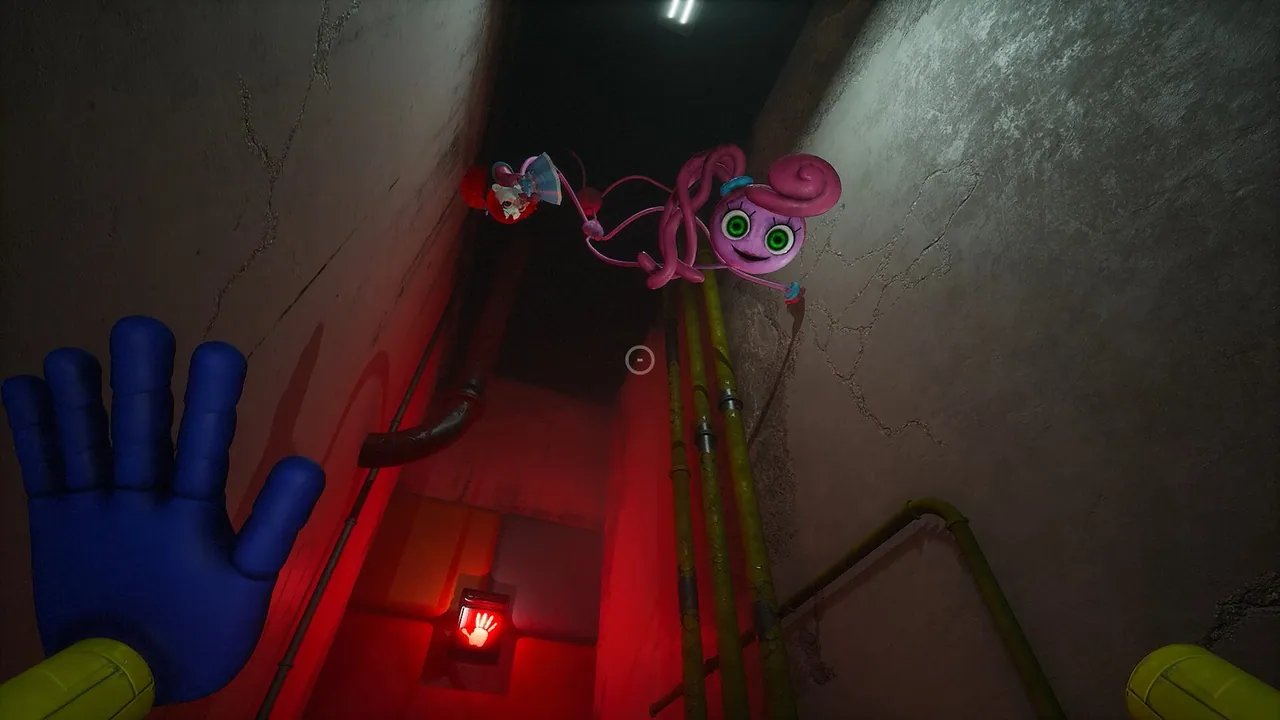
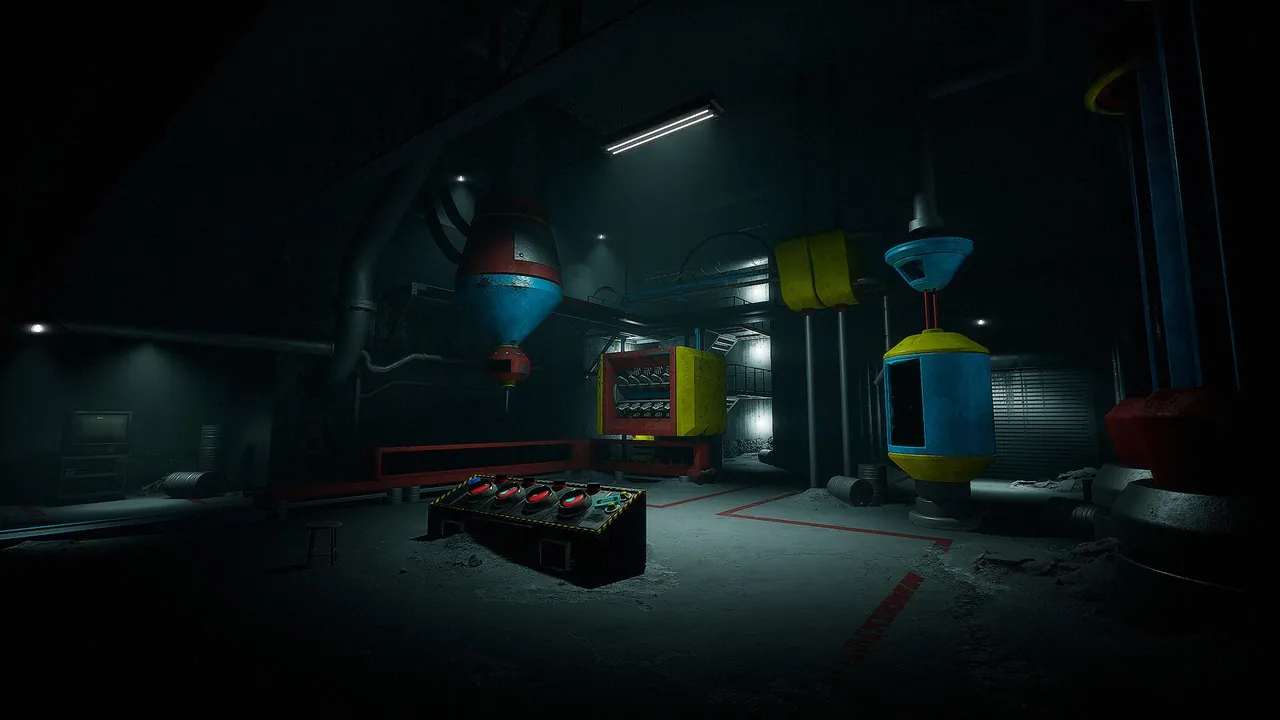
Three times the size of Chapter 1, you must descend deeper into the toy factory. Mind-boggling puzzles and horrific toys await. Grapple and swing your way to safety. Try to escape- and don't let Mommy find you.
The Train Station
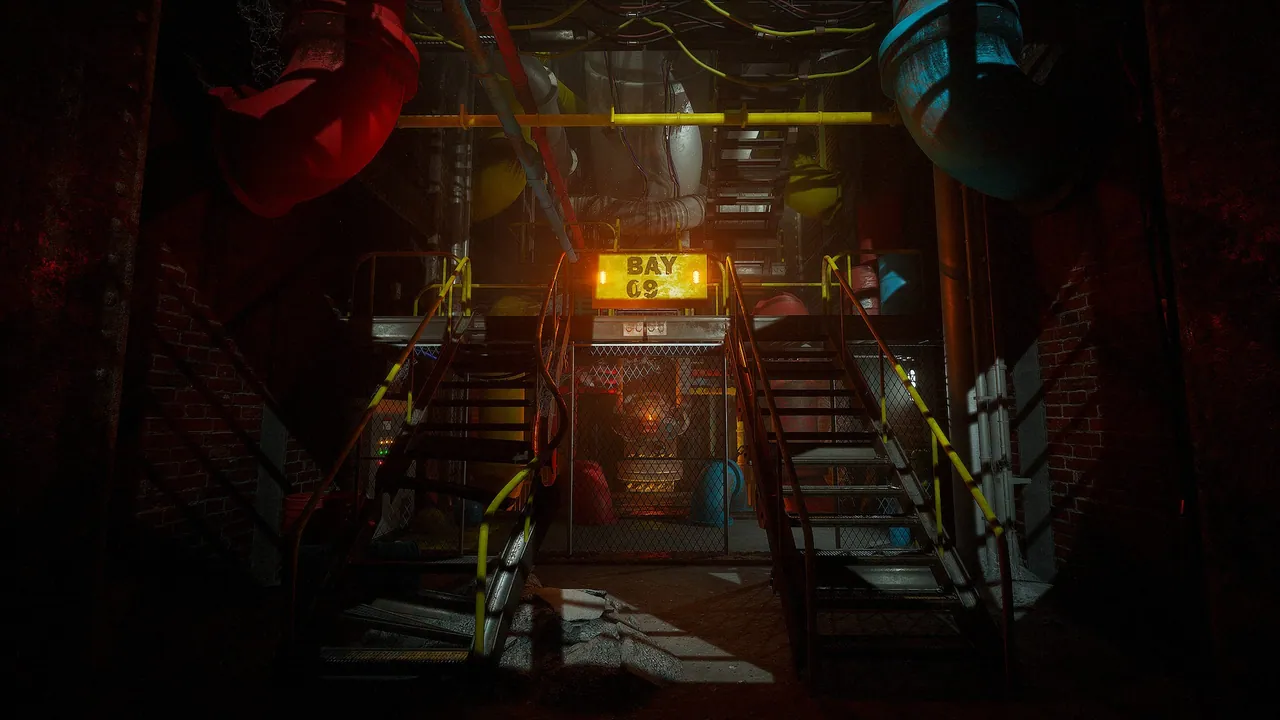
Explore one of Playtime Co.'s most popular locations, the Game Station! This Train Station is more than just a pitstop... there's games, a playground, and much, much more. Even better- the train provides a straight shot right out of the factory.
New Toys
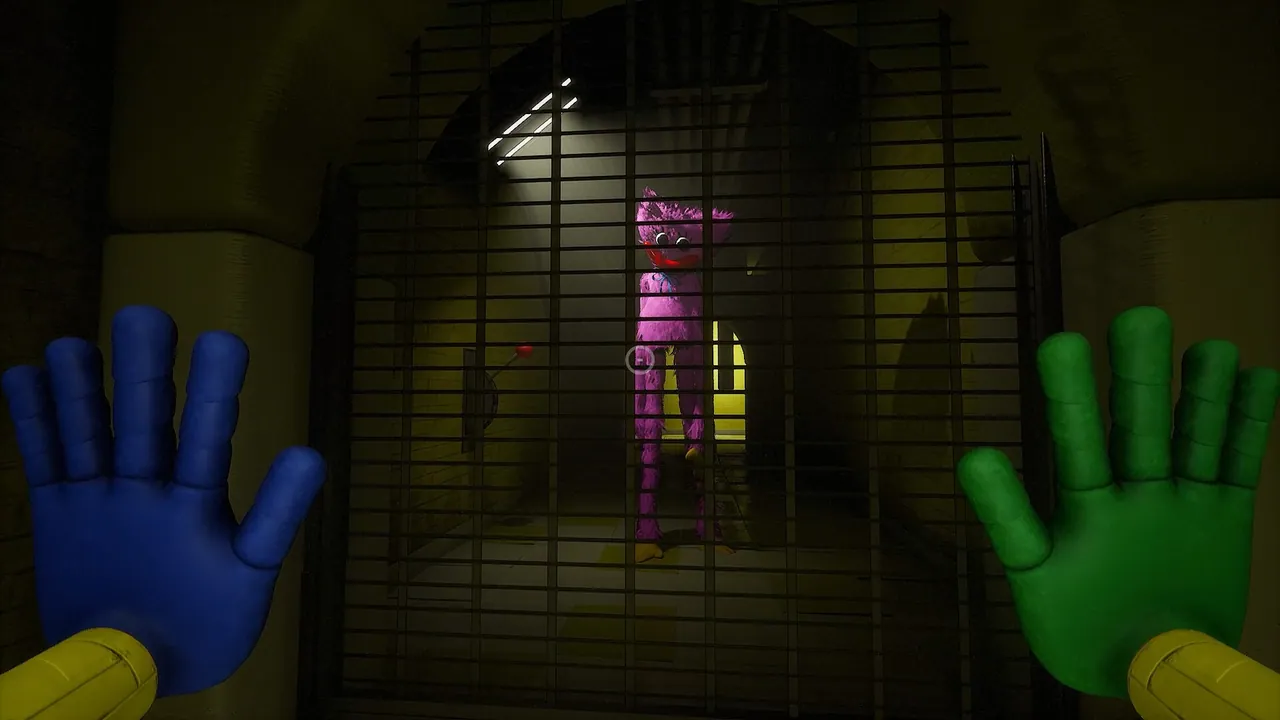
This factory is filled with remnants of a crooked past- All you need to do is go deeper. Let's ask Bunzo Bunny. Or perhaps PJ Pug-a-pillar has some ideas. Or maybe... Mommy knows?
The Green Hand
The all-new Green Hand has been introduced into the GrabPack family! You can now carry power with you, remotely! That's not all... you can grapple now too! Innovation has done it again.
• Transfer power without the confines of a wire!
• Grab onto pipes and swing across missing flooring.
• Fly! Kind of- you can grapple straight up, more accurately.
Playtime's not over yet- stick around...
SoloPartage familial
Fiche technique
- Mob Entertainment
- Mob Entertainment
- 5 mai 2022
- Action, Aventure, Indies
- 1 langue
- Steam
- Steam
- Monde entier
Langues en détail
| Interface | Audio | Sous-titres | |
|---|---|---|---|
| English |
Configuration requise
| Minimum | Recommandés | |
|---|---|---|
| Système | Windows 10 | Windows 10 |
| Processeur | Intel Core i5 | Intel Core i5 |
| Mémoire | 8 GB RAM | 12 GB RAM |
| Graphiques | Nvidia GeForce GTX 1050 / Radeon RX 580 | Nvidia GeForce RTX 2060 Super / Radeon RX 5700 XT |
| Stockage | 20 GB available space | 20 GB available space |
Activation
Activer sur Steam
- 1Installez Steam et connectez-vous
- 2Menu Jeux › Activer un produit sur Steam
- 3Collez la clé affichée sur la page de votre commande
- 4Le jeu apparaît dans votre bibliothèque : téléchargez-le
Utilisable dans tous les pays.
N’utilisez pas de VPN lors de l’activation.
Guide détaillé
Avis Steam
Plutôt positives
Avis clients Crypto2Key
Dans la même série

Produits similaires
Tout voir →
Prix à venir