



Pré-visualização


- Steam
- Todo o mundo
- interface, legendas
- 30 mar 2026
Keep on Mining! - Worlds
Steam
Todo o mundo
Chave digital
Preço brevemente
Chave para PC
- Chave apresentada na página da sua encomenda e enviada por e-mail assim que o pagamento for confirmado
- Pague em BTC, USDT, USDC, ETH, SOL e muito mais
- Substituída ou reembolsada se não funcionar
Sobre o jogo
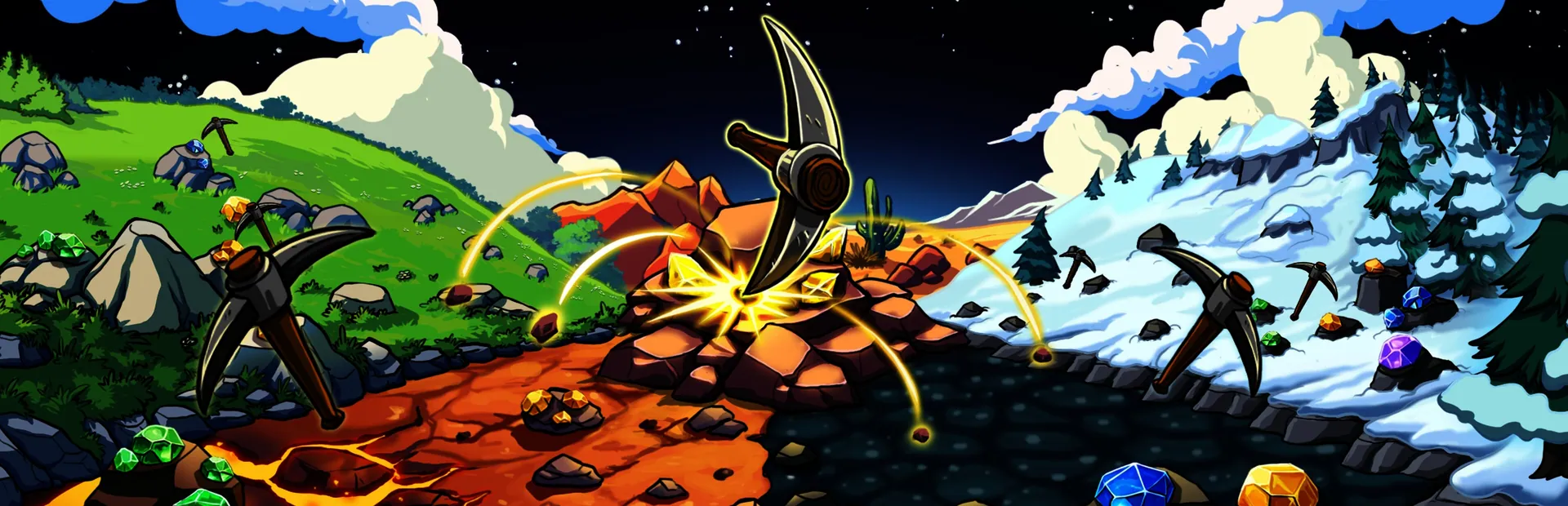
Keep on Mining! - Worlds is a simple incremental mining game about mining rocks. The sequel keeps the core gameplay loop from Keep on Mining! but adds many more worlds, upgrades, artifacts, pickaxes and some cool new stuff!
As you progress in KOM - Worlds, your ability to mine rocks reaches chaotic levels of destruction!
Make progress though the game via unlocking new worlds! Worlds can be purchased using your talent points. Talent point are gathered via leveling up. Every time you purchase a new world, 5 talent cards will appear. Choose 2 to keep!
Purchase permanent upgrades inside the Skill Tree! The Skill tree features 200+ upgrades and has a variety of fun upgrades.
Use your gathered bars to craft new pickaxes. Pickaxes can also be upgraded with your gems! Upgrading your pickaxe will improve every pickaxe stat. Every pickaxe also has a unique Equip Bonus that will only apply to the equipped pickaxe.
Here you can purchase items in the shop. Items can be used before a mining session and their buffs lasts for 1 entire mining session. Just like the pickaxes, Items can be upgraded with your collected gems.
Um jogadorProezas do SteamSteam CloudPartilha de Biblioteca
Ficha técnica
- EagleEye Games
- EagleEye Games
- 30 março 2026
- Indies
- 12 idiomas
- Steam
- Steam
- Todo o mundo
Idiomas em detalhe
| Interface | Áudio | Legendas | |
|---|---|---|---|
| English | · | ||
| French | · | ||
| German | · | ||
| Italian | · | ||
| Japanese | · | ||
| Korean | · | ||
| Polish | · | ||
| Portuguese (Brazil) | · | ||
| Russian | · | ||
| Chinese (Simplified) | · | ||
| Spanish | · | ||
| Turkish | · |
Requisitos do sistema
| Mínimo | |
|---|---|
| Sistema operativo | Windows 10+ |
| Processador | 2Ghz + |
| Memória | 2 GB RAM |
| Gráficos | Yup |
| Armazenamento | 500 MB available space |
| Placa de som | Yup |
Ativação
Ativar em Steam
- 1Instale o Steam e inicie sessão
- 2Menu Jogos › Ativar um produto no Steam
- 3Cole a chave revelada na página da sua encomenda
- 4O jogo aparece na sua biblioteca: transfira-o
Utilizável em todos os países.
Não utilize uma VPN durante a ativação.
Guia detalhado
Análises Steam
Muito positivo
Avaliações de clientes Crypto2Key
Produtos semelhantes
Ver tudo →



Acesso antecipado

Acesso antecipado
Preço brevemente