



Preview


- Steam
- Worldwide
- interface, subtitles
- 30 Mar 2026
Keep on Mining! - Worlds
Steam
Worldwide
Digital key
Price coming soon
PC key
- Key sent by email and shown on your order page as soon as the payment is confirmed
- Pay in Bitcoin, USDT, USDC and more
- Replaced or refunded if it does not work
About the game
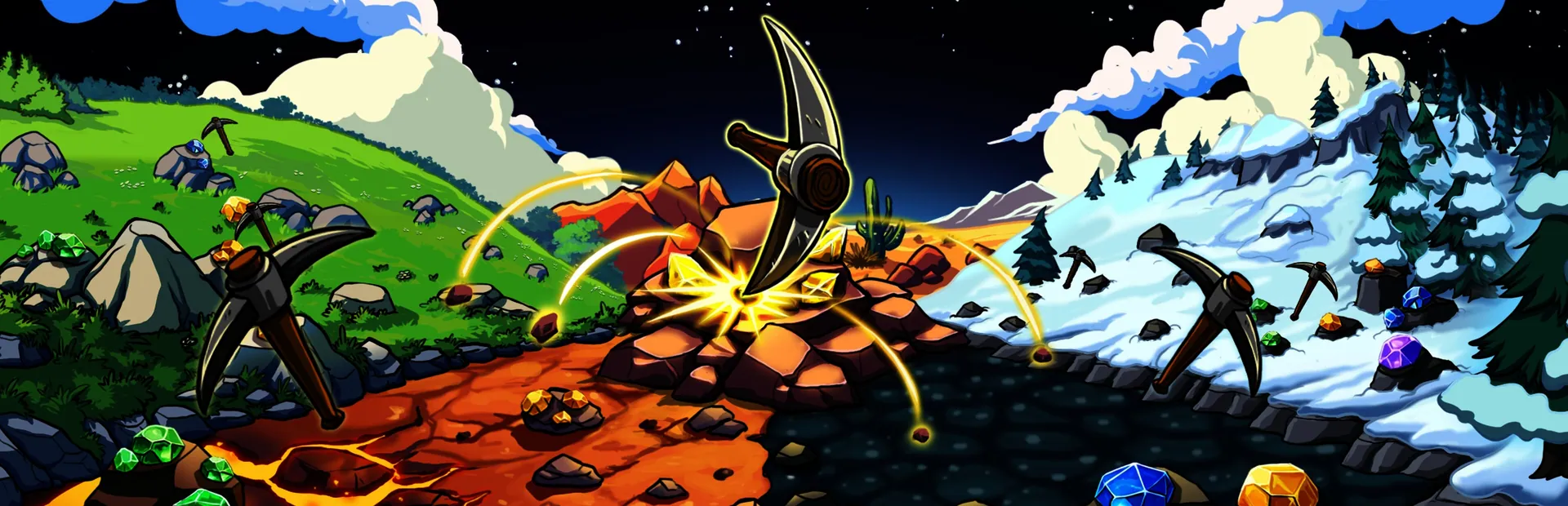
Keep on Mining! - Worlds is a simple incremental mining game about mining rocks. The sequel keeps the core gameplay loop from Keep on Mining! but adds many more worlds, upgrades, artifacts, pickaxes and some cool new stuff!
As you progress in KOM - Worlds, your ability to mine rocks reaches chaotic levels of destruction!
Make progress though the game via unlocking new worlds! Worlds can be purchased using your talent points. Talent point are gathered via leveling up. Every time you purchase a new world, 5 talent cards will appear. Choose 2 to keep!
Purchase permanent upgrades inside the Skill Tree! The Skill tree features 200+ upgrades and has a variety of fun upgrades.
Use your gathered bars to craft new pickaxes. Pickaxes can also be upgraded with your gems! Upgrading your pickaxe will improve every pickaxe stat. Every pickaxe also has a unique Equip Bonus that will only apply to the equipped pickaxe.
Here you can purchase items in the shop. Items can be used before a mining session and their buffs lasts for 1 entire mining session. Just like the pickaxes, Items can be upgraded with your collected gems.
Single-playerSteam AchievementsSteam CloudFamily Sharing
Product details
- EagleEye Games
- EagleEye Games
- 30 March 2026
- Indies
- 12 languages
- Steam
- Steam
- Worldwide
Languages in detail
| Interface | Audio | Subtitles | |
|---|---|---|---|
| English | · | ||
| French | · | ||
| German | · | ||
| Italian | · | ||
| Japanese | · | ||
| Korean | · | ||
| Polish | · | ||
| Portuguese (Brazil) | · | ||
| Russian | · | ||
| Chinese (Simplified) | · | ||
| Spanish | · | ||
| Turkish | · |
System requirements
| Minimum | |
|---|---|
| OS | Windows 10+ |
| Processor | 2Ghz + |
| Memory | 2 GB RAM |
| Graphics | Yup |
| Storage | 500 MB available space |
| Sound Card | Yup |
Activation
Activate on Steam
- 1Install Steam and log in
- 2Games menu › Activate a product on Steam
- 3Paste the key from your email or order page
- 4The game appears in your library: download it
Usable in every country.
Do not use a VPN when activating.
Detailed guide
Steam reviews
Very positive
Crypto2Key customer reviews
Similar products
See all →



Early access

Early access
Price coming soon