

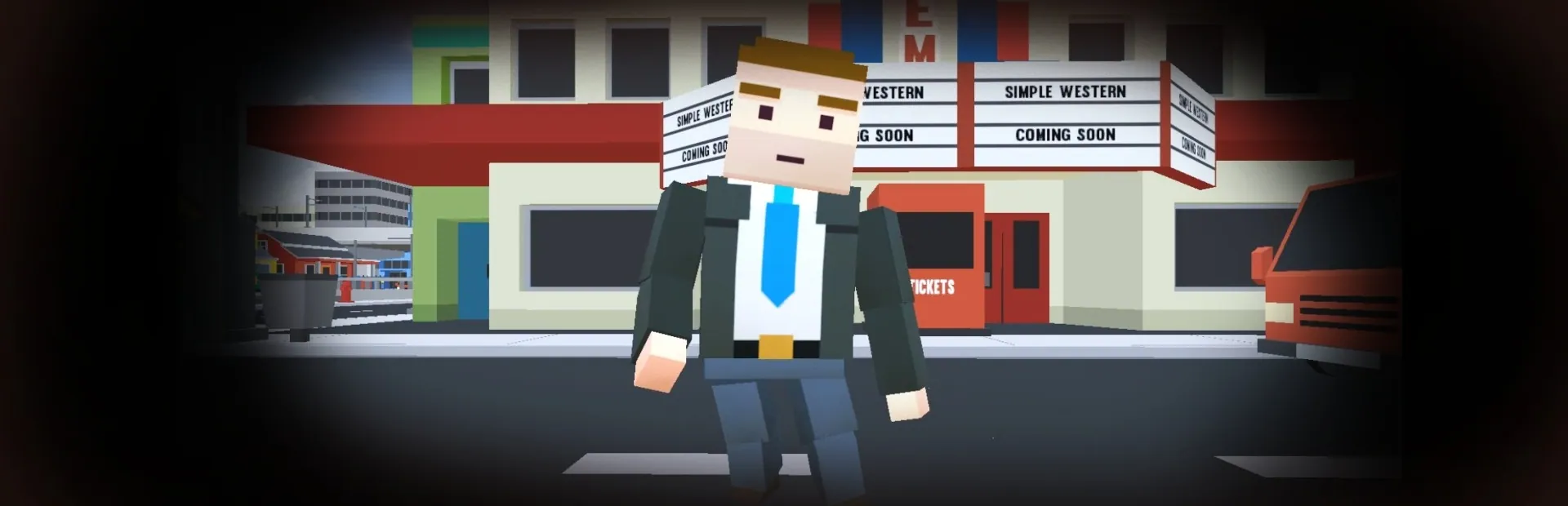

Vorschau
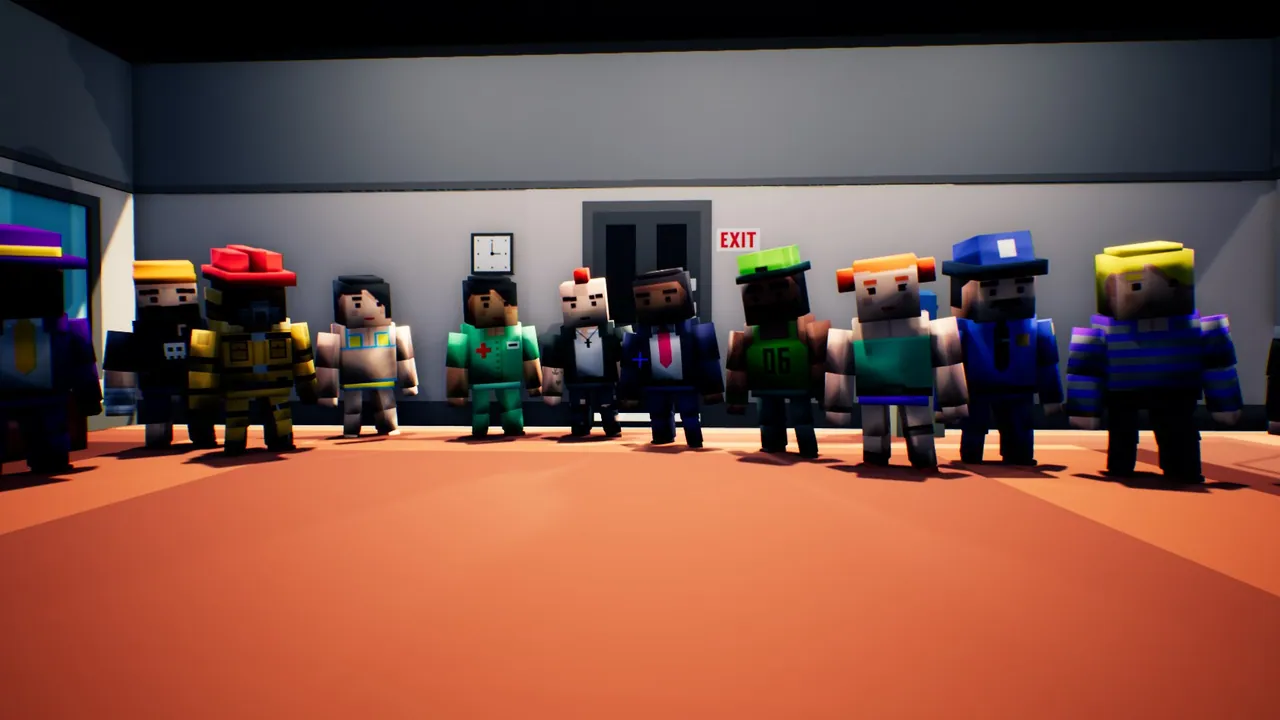
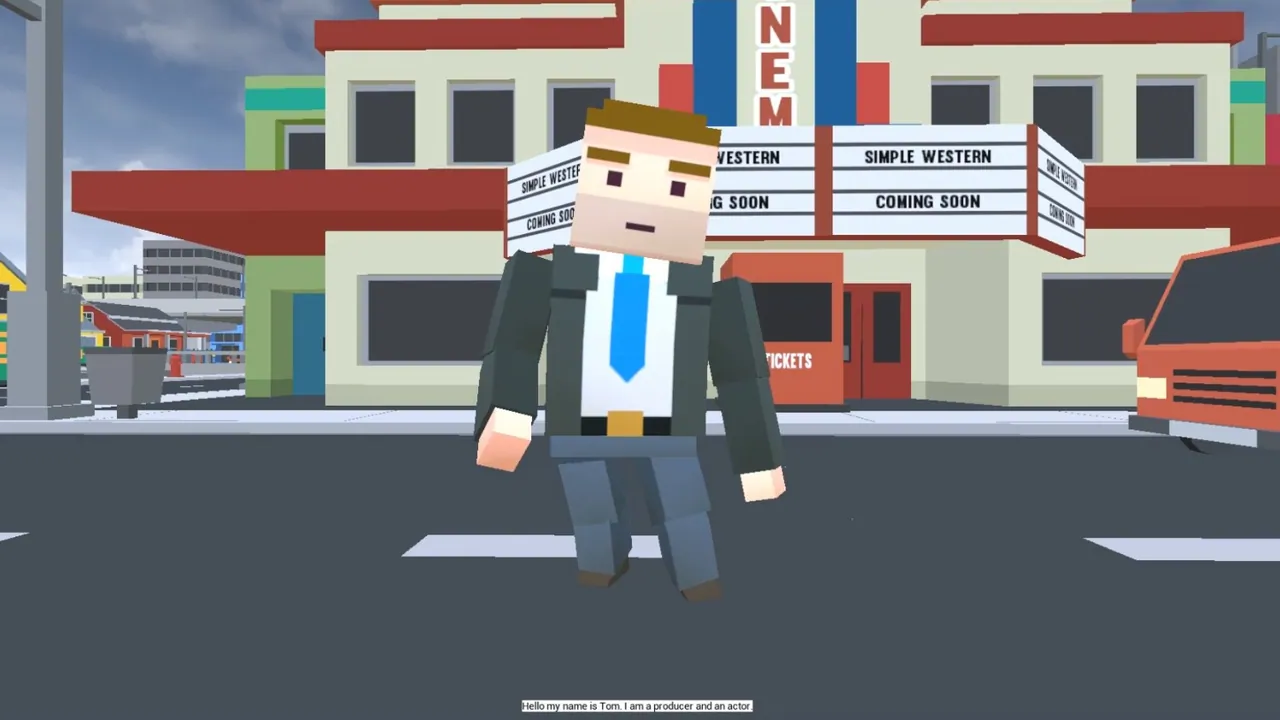
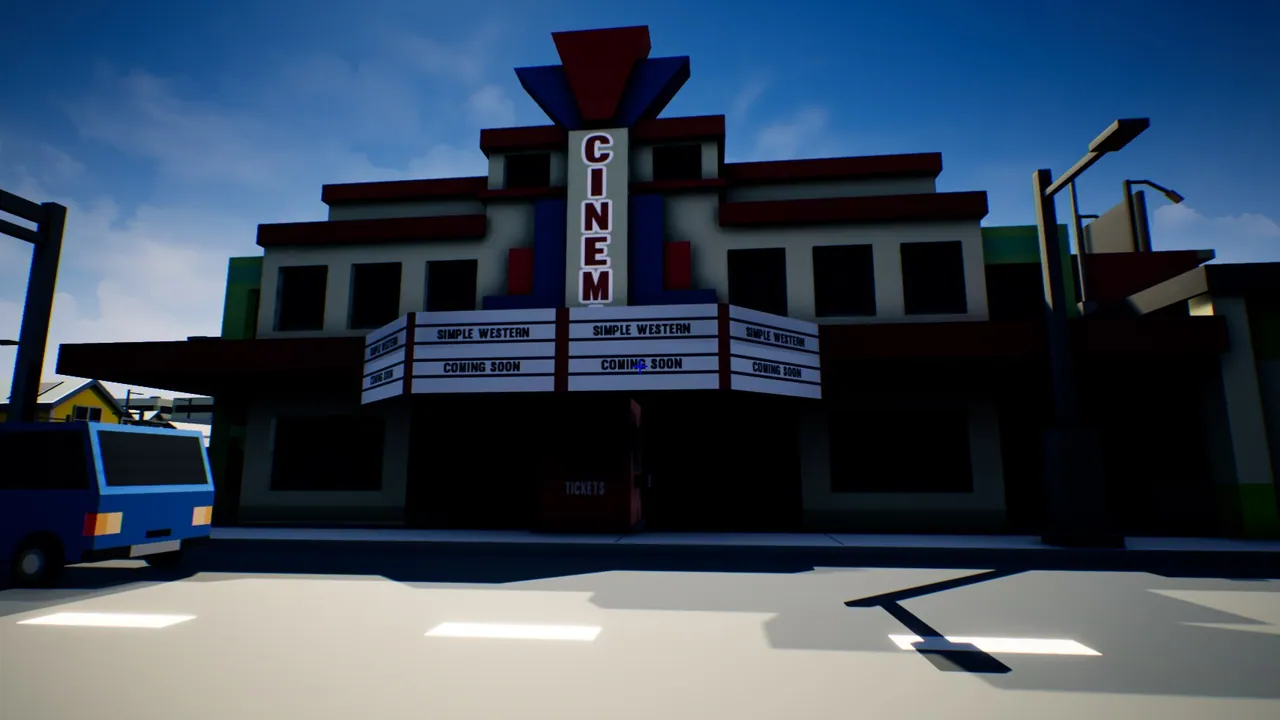
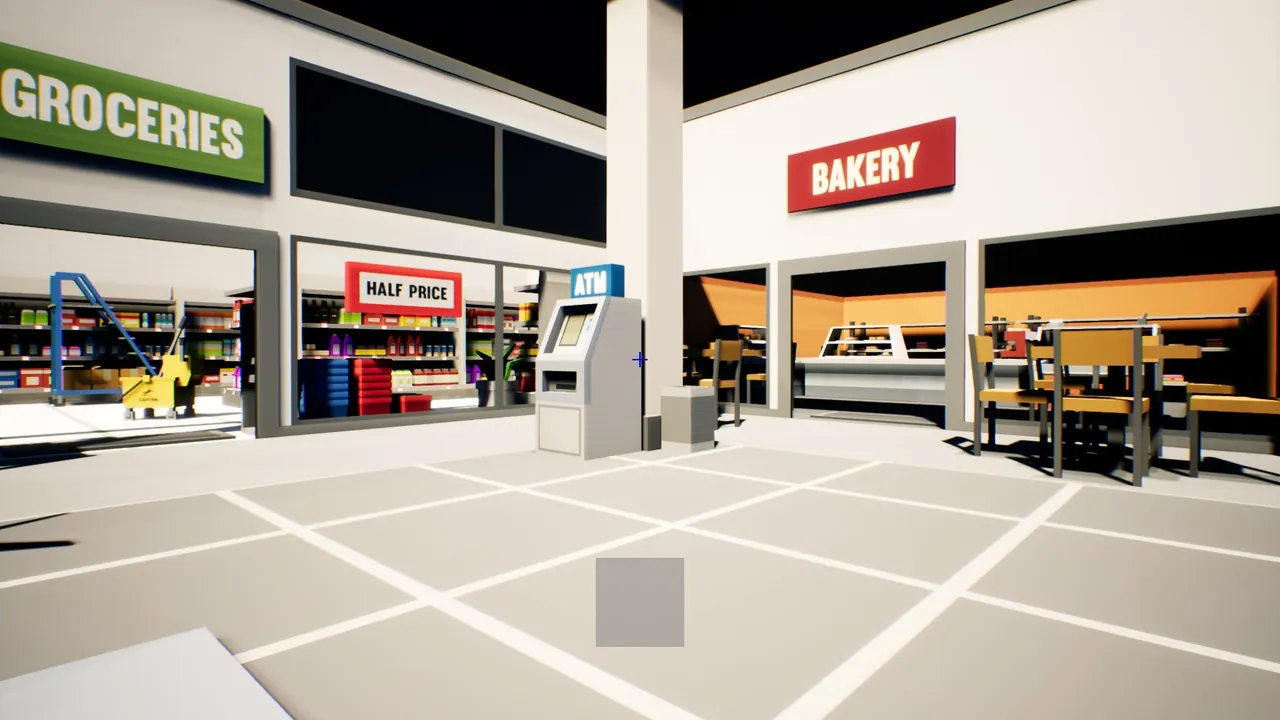
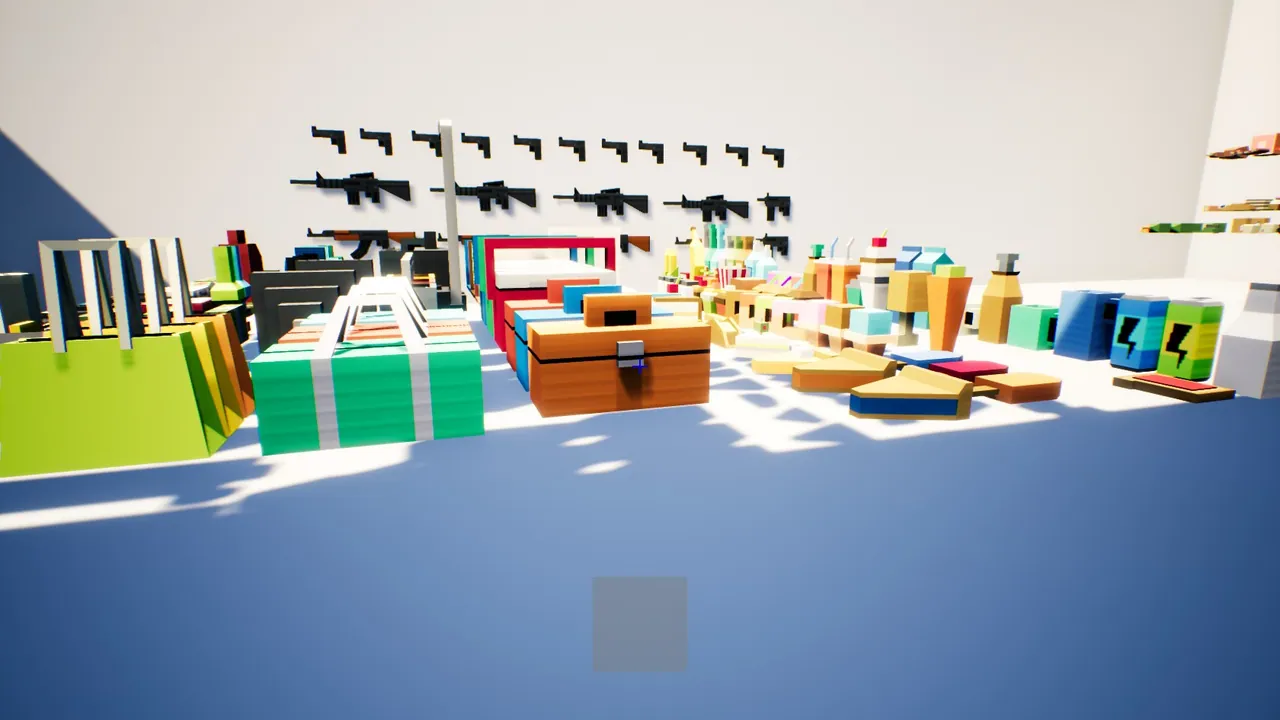
- Steam
- Weltweit
- nicht verfügbar
- 1 Jan 2019
SimpleMovie
Steam
Weltweit
Digitaler Key
2,29 €
−18 %
≈ 2,50 $
 0,000042 BTC
 2,50 USDT
0,000042 BTC
2,50 USDT
PC-Key
- Key wird auf deiner Bestellseite angezeigt, sobald die Zahlung bestätigt ist
- Bezahle mit Bitcoin, USDT, USDC, Ethereum und mehr
- Ersetzt oder erstattet, falls er nicht funktioniert
Über das Spiel
Simple Movie is a simulation, crafting and sand box game. The goal is to create a short film. The player is the film's writer, producer and director. The game creates a video with fixed background music and subtitles.
The player is at once the screenwriter and director of a film. As screenwriter, he writes the story. As director, he has the principal role in choosing the cast, controlling the production design and managing the creative aspects of filmmaking.
Simple Movie is a Non Player Character animation (NPC-mation) tool where:
NPC-mation is an animated filmmaking technique in which NPC are manipulated by a movie program in small increments between individual screenshots (frames) so they exhibit independent motion when the frames series is played back as a sequence. NPCs with movable joints are used for their ease of repositioning.
The movie program contains scenes, with each scene having one or more lines.
A line has an actor or an item, animation (actors only), a start and end locations (can be the same), camera, speed (or duration) and subtitles.
NOTE: The output video depends on the installed video codec. The game does not include any video codec (except uncompressed video).
EinzelspielerFamilienbibliothek
Technische Daten
- NPCWARE
- NPCWARE
- 1 Januar 2019
- Indies, Simulation
- 1 Sprache
- Steam
- Steam
- Weltweit
Sprachen im Detail
| Benutzeroberfläche | Audio | Untertitel | |
|---|---|---|---|
| English | · | · |
Systemanforderungen
| Minimum | Empfohlen | |
|---|---|---|
| OS * | Windows 7, Windows 8, Windows 10 | · |
| Prozessor | 1.5 GHz | 3 GHz |
| Arbeitsspeicher | 4 GB RAM | 8 GB RAM |
| Grafik | integrated graphics | GPU |
| DirectX | Version 10 | Version 10 |
| Speicherplatz | 5 GB available space | 10 GB available space |
| Zusätzliche Anmerkungen | video codec | video codec |
| Betriebssystem | · | Windows 10 |
Aktivierung
Bei Steam aktivieren
- 1Installiere Steam und melde dich an
- 2Menü „Spiele“ › Ein Produkt bei Steam aktivieren
- 3Füge den Key ein, der auf deiner Bestellseite angezeigt wird
- 4Das Spiel erscheint in deiner Bibliothek: Lade es herunter
In allen Ländern nutzbar.
Nutze bei der Aktivierung kein VPN.
Ausführliche Anleitung
Steam-Bewertungen
Crypto2Key-Kundenbewertungen
Ähnliche Produkte
Alle ansehen →

2,29 €
0,000042 BTC